
Free Preparation Discussions
 MENU
MENU
Free Microsoft AZ-500 Exam Dumps - Page 4
DragDrop
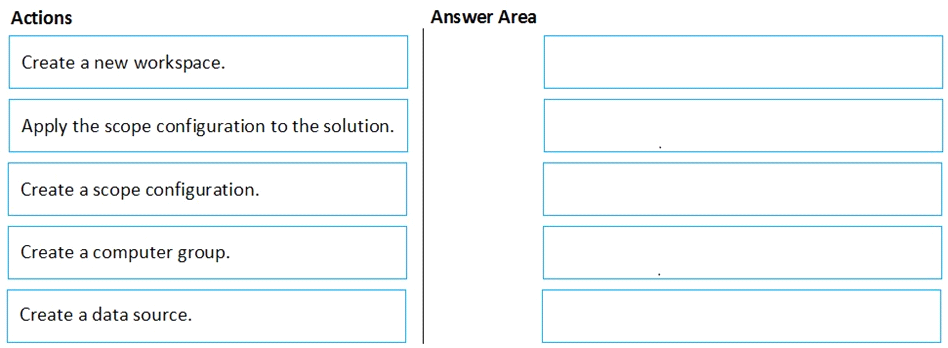
You have an Azure subscription named Sub1 that contains an Azure Log Analytics workspace named LAW1.
You have 500 Azure virtual machines that run Windows Server 2016 and are enrolled in LAW1.
You plan to add the System Update Assessment solution to LAW1.
You need to ensure that System Update Assessment-related logs are uploaded to LAW1 from 100 of the virtual machines only.
Which three actions should you perform in sequence? To answer, move the appropriate actions from the list of actions to the answer area and arrange them in the correct order.





MultipleChoice
Use the following login credentials as needed:
To enter your username, place your cursor in the Sign in box and click on the username below.
To enter your password, place your cursor in the Enter password box and click on the password below.
Azure Username: User1-10598168@ExamUsers.com
Azure Password: Ag1Bh9!#Bd
The following information is for technical support purposes only:
Lab Instance: 10598168
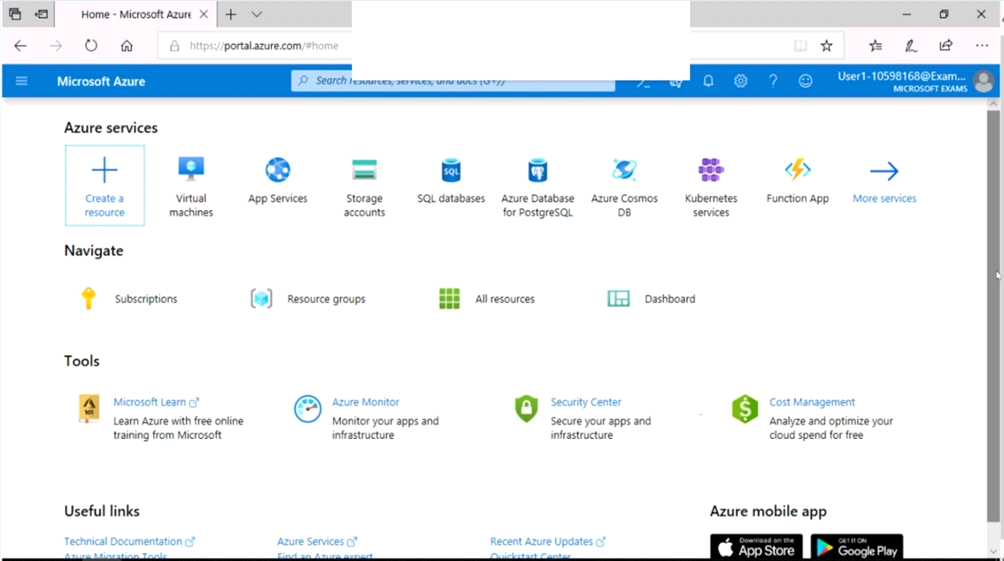
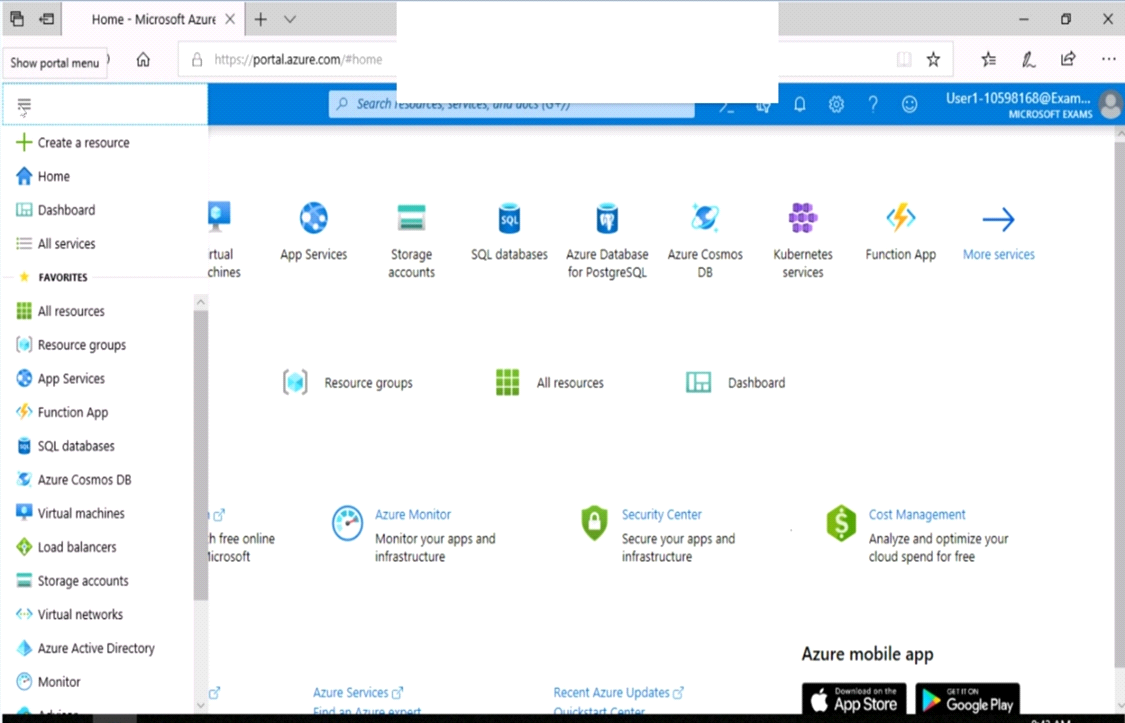
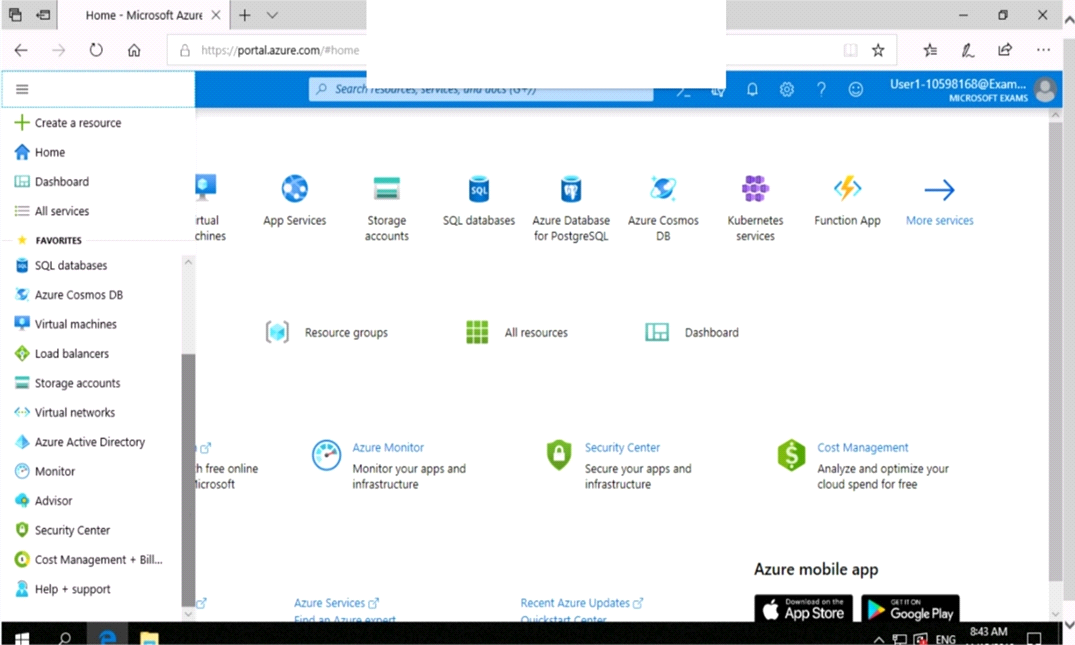
You need to prevent HTTP connections to the rg1lod10598168n1 Azure Storage account.
To complete this task, sign in to the Azure portal.
OptionsMultipleChoice
Use the following login credentials as needed:
To enter your username, place your cursor in the Sign in box and click on the username below.
To enter your password, place your cursor in the Enter password box and click on the password below.
Azure Username: User1-10598168@ExamUsers.com
Azure Password: Ag1Bh9!#Bd
The following information is for technical support purposes only:
Lab Instance: 10598168
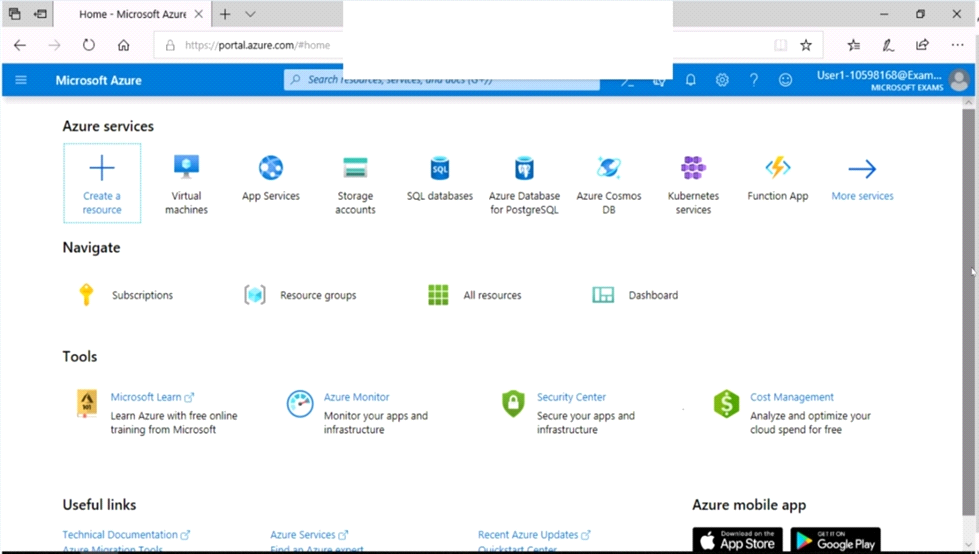
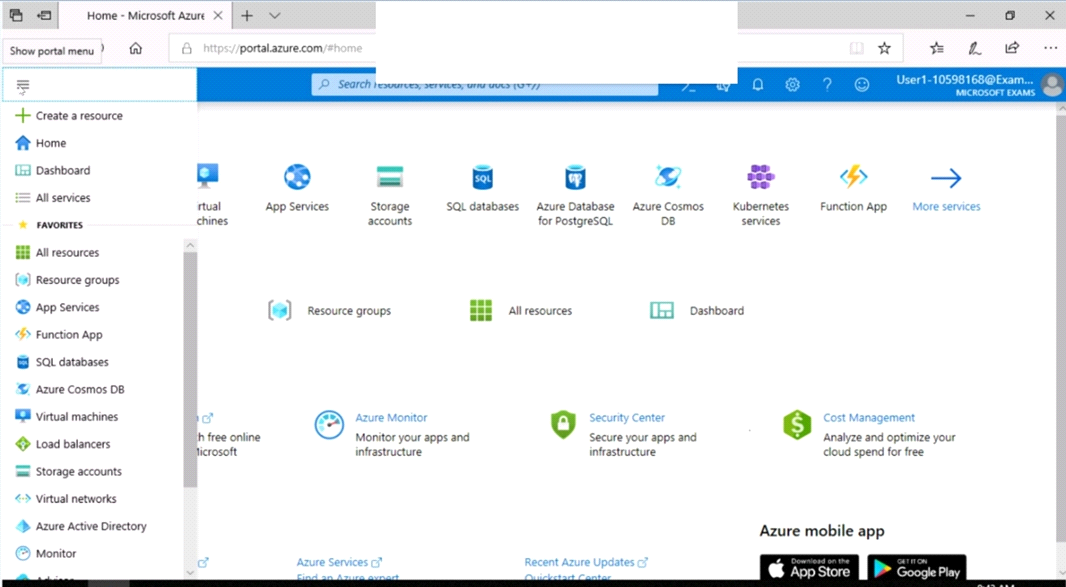
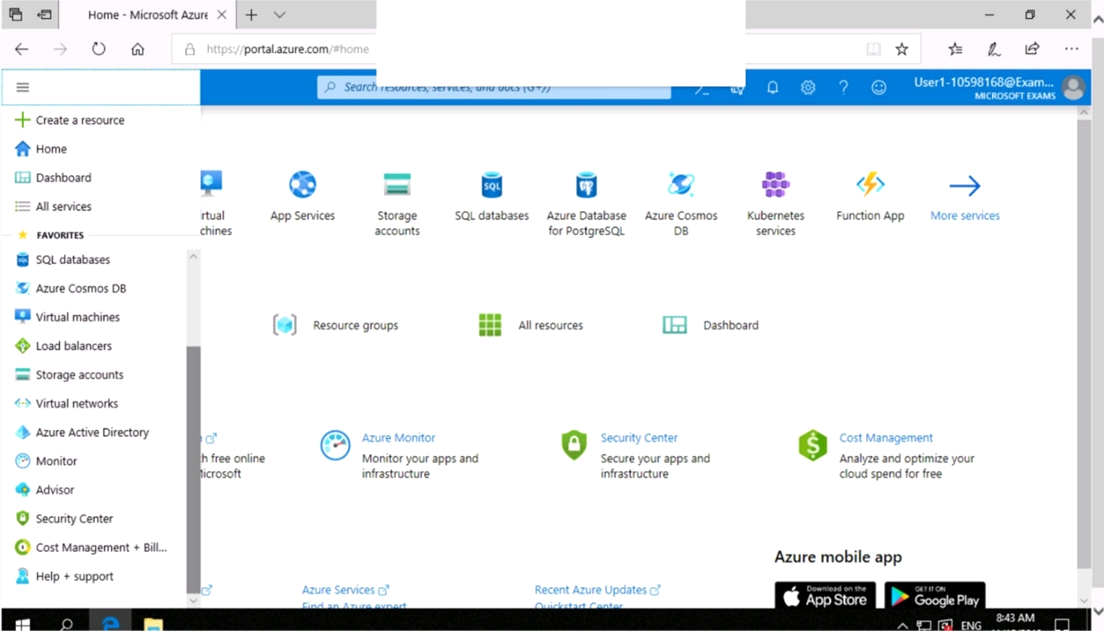
You need to ensure that a user named user21059868 can manage the properties of the virtual machines in the RG1lod10598168 resource group. The solution must use the principle of least privilege.
To complete this task, sign in to the Azure portal.
OptionsMultipleChoice
Use the following login credentials as needed:
To enter your username, place your cursor in the Sign in box and click on the username below.
To enter your password, place your cursor in the Enter password box and click on the password below.
Azure Username: User1-10598168@ExamUsers.com
Azure Password: Ag1Bh9!#Bd
The following information is for technical support purposes only:
Lab Instance: 10598168
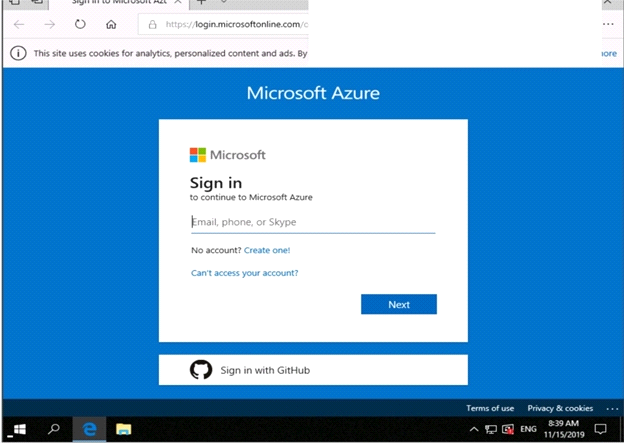
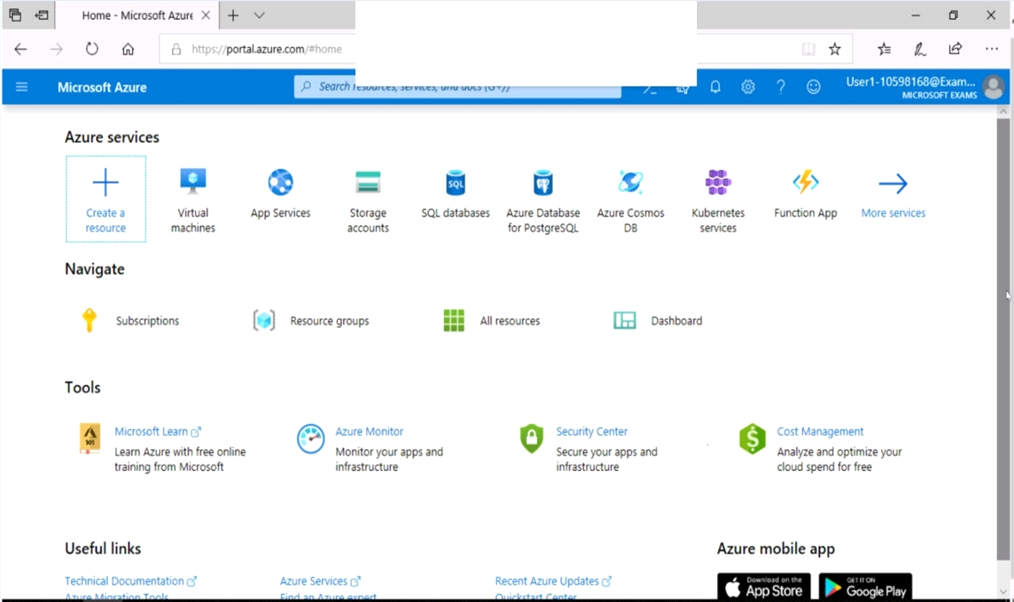
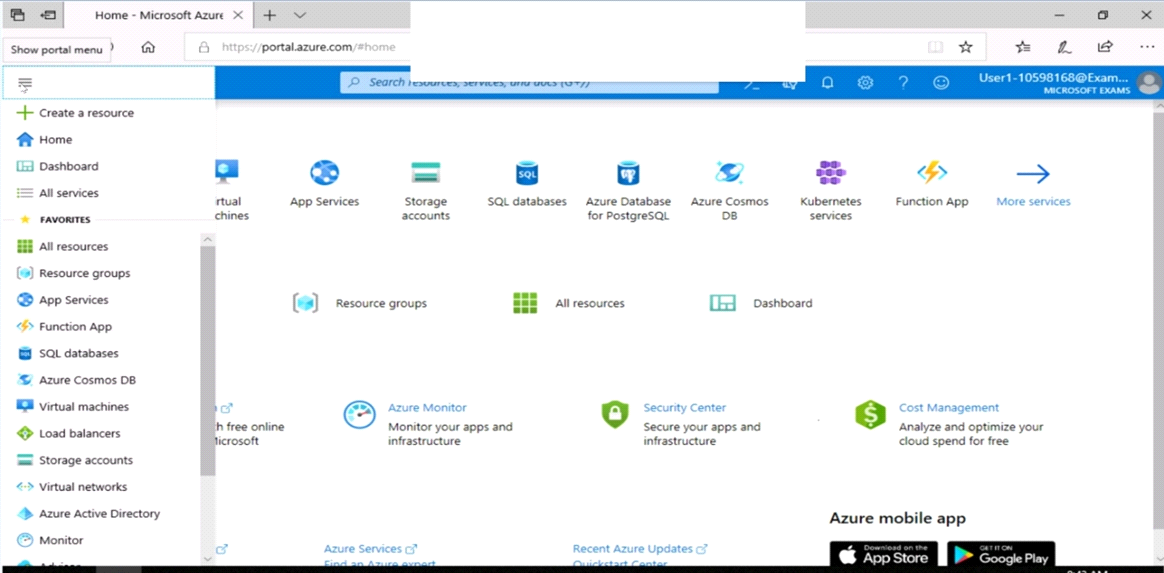
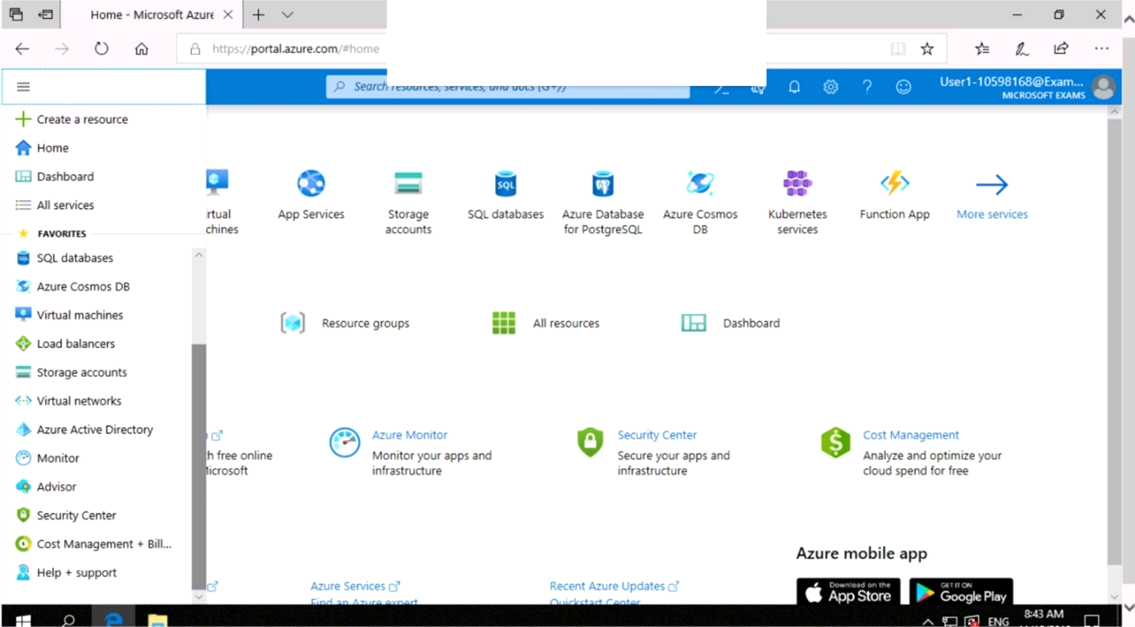
You need to prevent administrative users from accidentally deleting a virtual network named VNET1. The administrative users must be allowed to modify the settings of VNET1.
To complete this task, sign in to the Azure portal.
OptionsMultipleChoice
Use the following login credentials as needed:
To enter your username, place your cursor in the Sign in box and click on the username below.
To enter your password, place your cursor in the Enter password box and click on the password below.
Azure Username: User1-10598168@ExamUsers.com
Azure Password: Ag1Bh9!#Bd
The following information is for technical support purposes only:
Lab Instance: 10598168
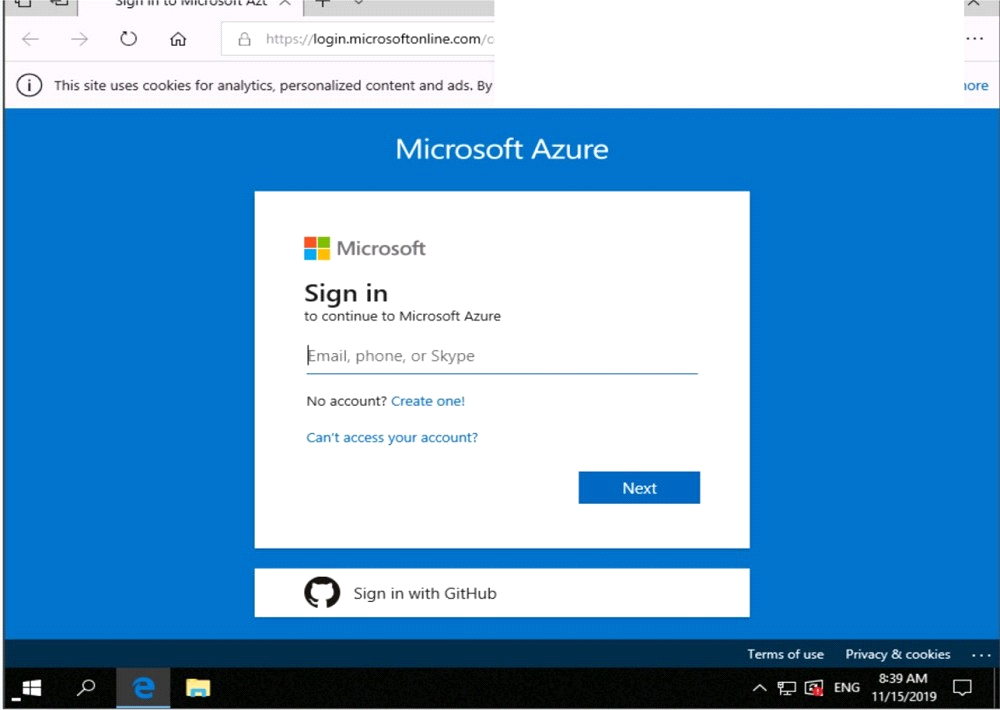
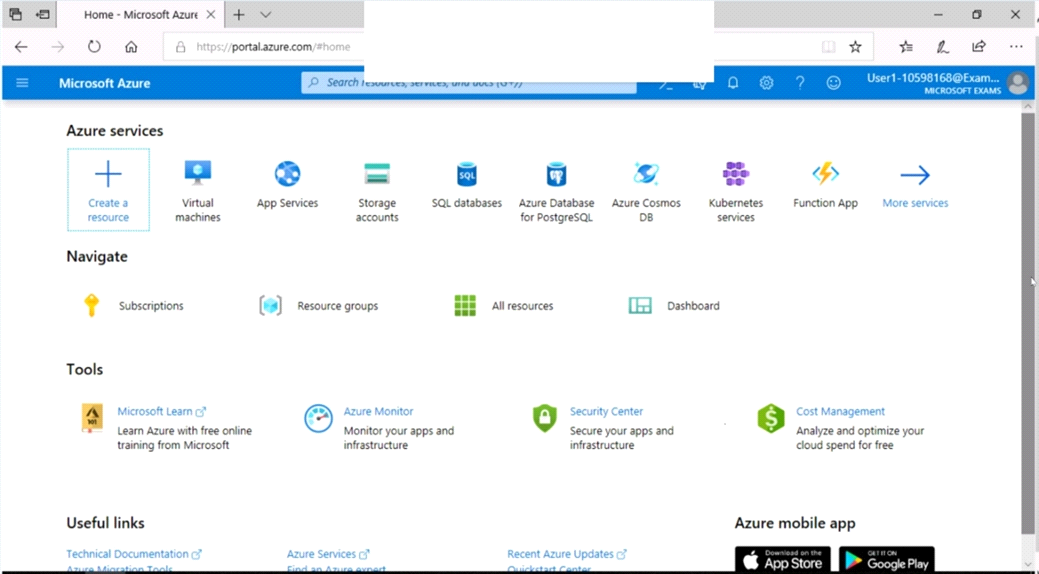
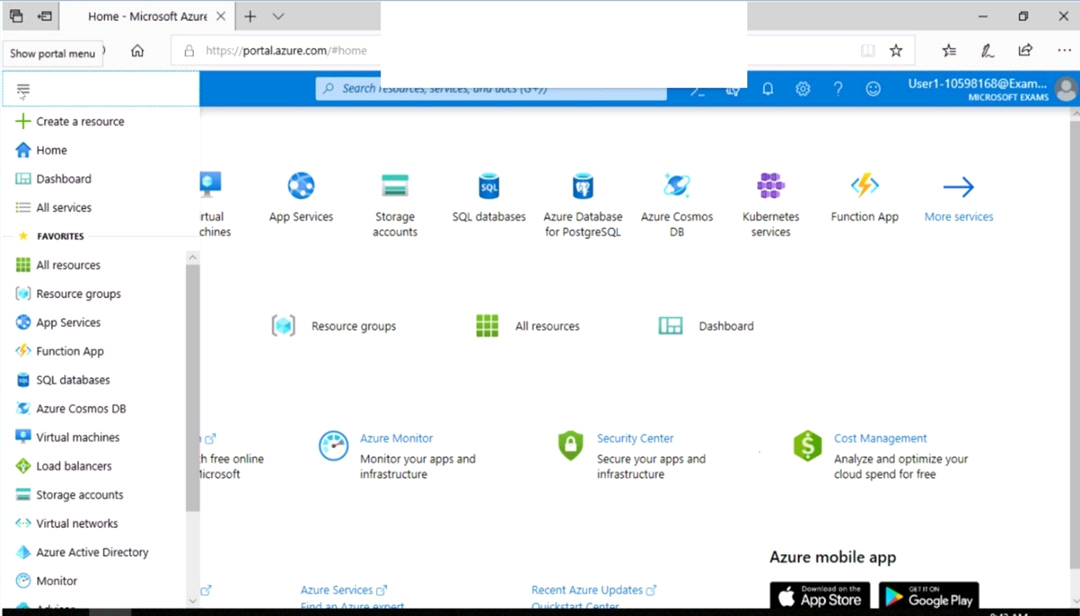
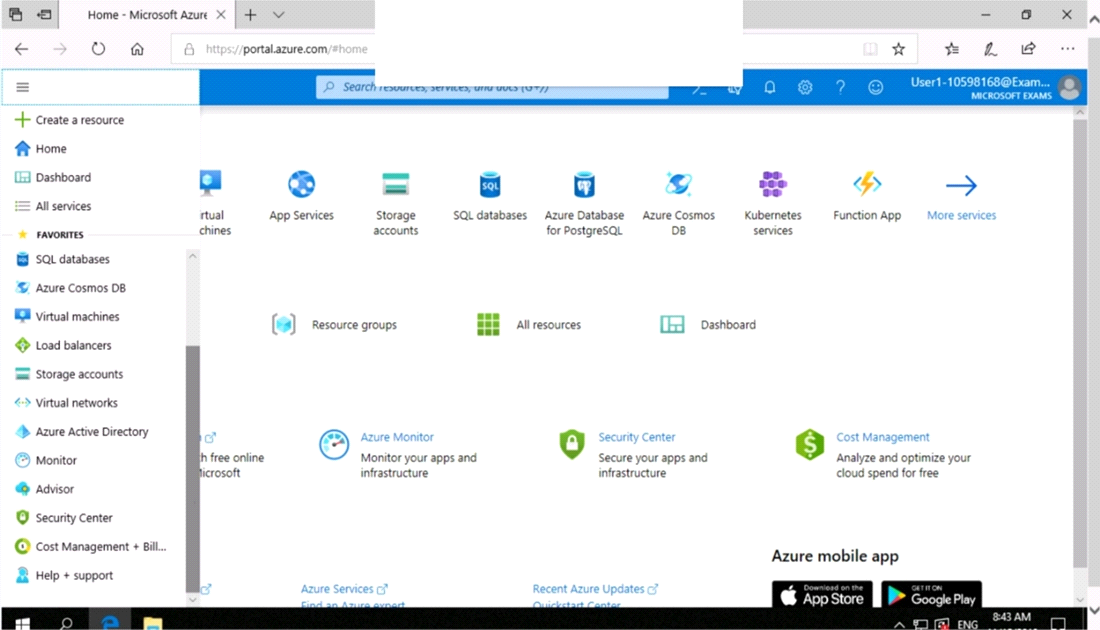
You need to configure Azure to allow RDP connections from the Internet to a virtual machine named VM1. The solution must minimize the attack surface of VM1.
To complete this task, sign in to the Azure portal.
OptionsHotspot
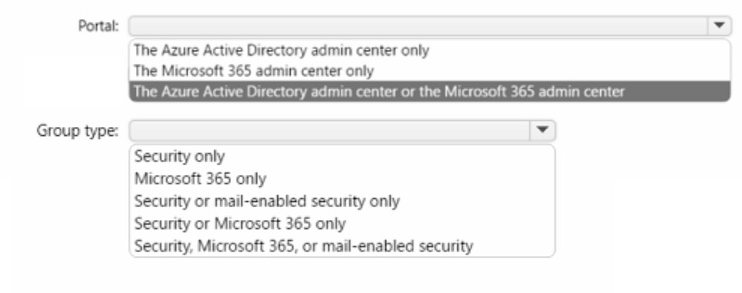
You have an Azure AD tenant named contoso.com that has Azure AD Premium P1 licenses.
You need to create a group named Group1 that will be assigned the Global reader role.
Which portal should you use to create Group1 and which type of group should you create? To answer, select the appropriate options in the answer area.
NOTE: Each correct selection is worth one point
MultipleChoice
Use the following login credentials as needed:
To enter your username, place your cursor in the Sign in box and click on the username below.
To enter your password, place your cursor in the Enter password box and click on the password below.
Azure Username: User1-10598168@ExamUsers.com
Azure Password: Ag1Bh9!#Bd
The following information is for technical support purposes only:
Lab Instance: 10598168
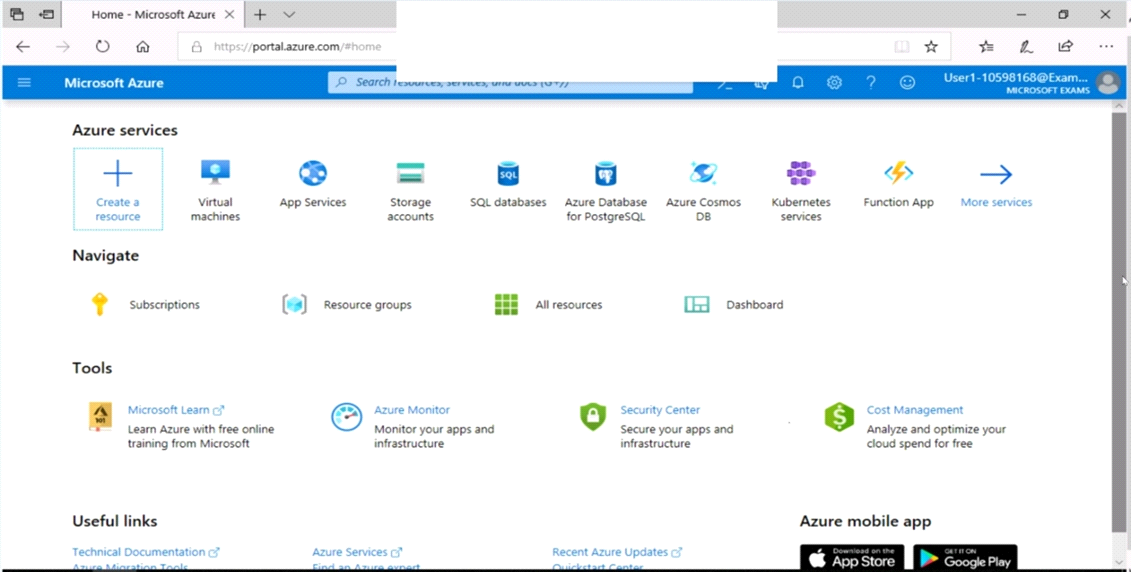
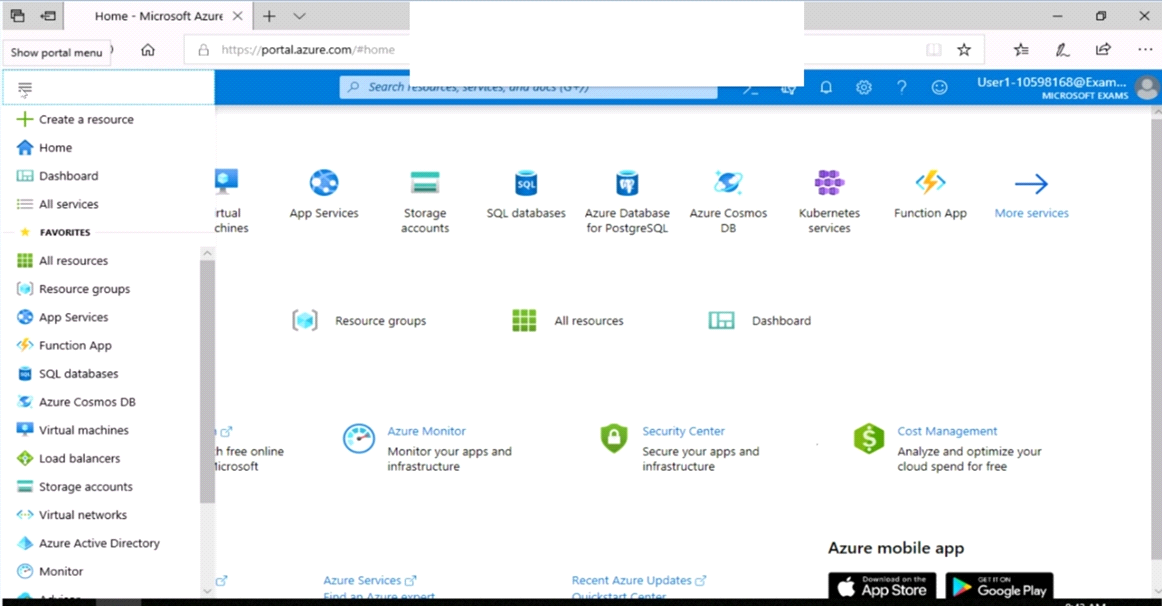
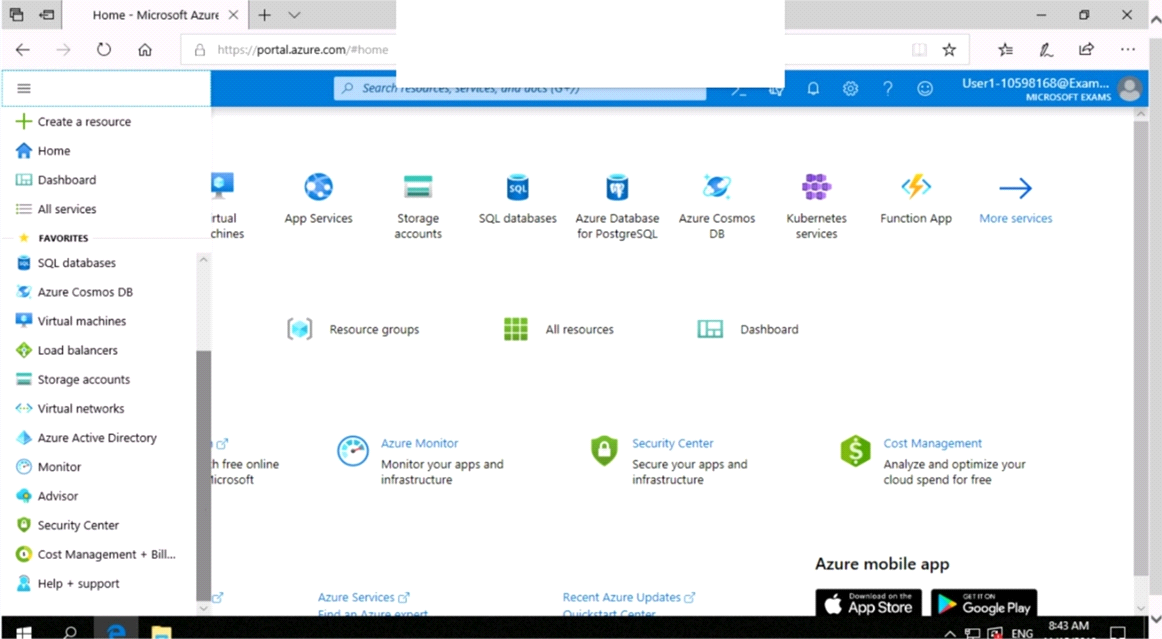
You need to add the network interface of a virtual machine named VM1 to an application security group named ASG1.
To complete this task, sign in to the Azure portal.
OptionsMultipleChoice
The developers at your company plan to publish an app named App11641655 to Azure.
To complete this task, sign in to the Azure portal and modify the Azure resources.
OptionsMultipleChoice
SIMULATION
Use the following login credentials as needed:
To enter your username, place your cursor in the Sign in box and click on the username below.
To enter your password, place your cursor in the Enter password box and click on the password below.
Azure Username: User1-10598168@ExamUsers.com
Azure Password: Ag1Bh9!#Bd
The following information is for technical support purposes only:
Lab Instance: 10598168
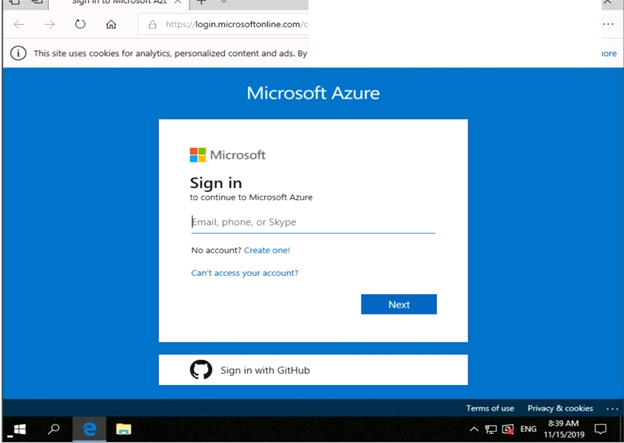
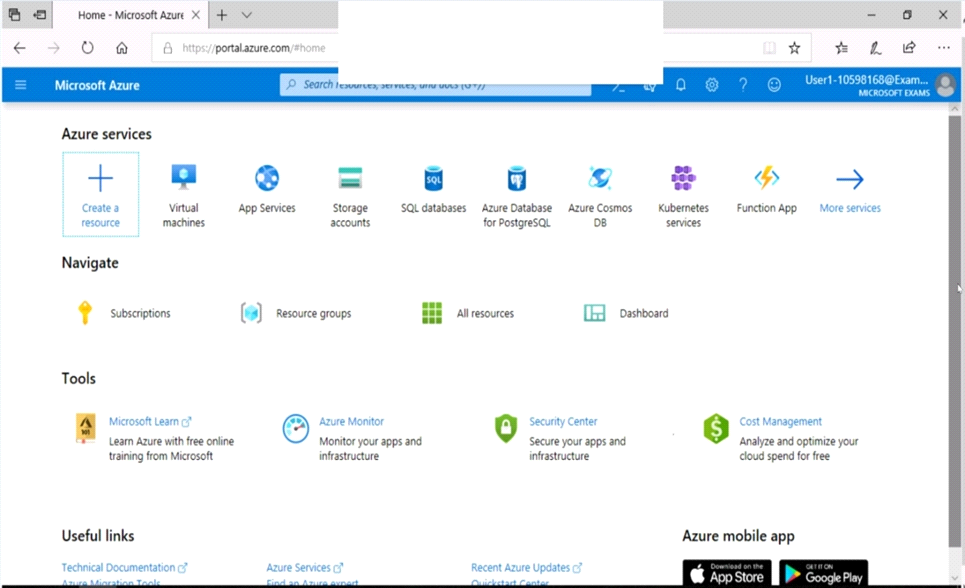
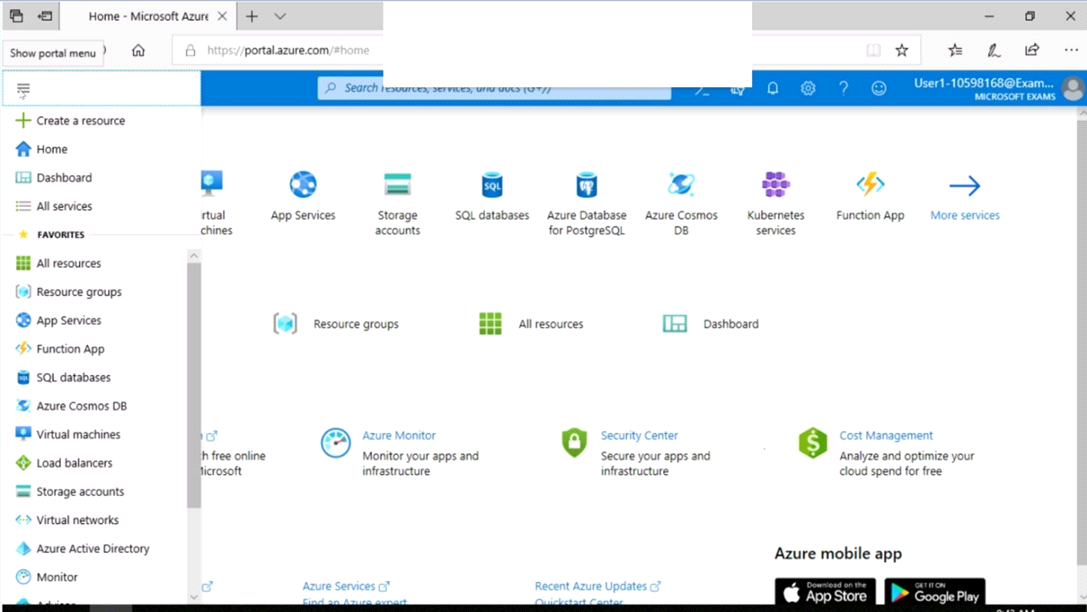
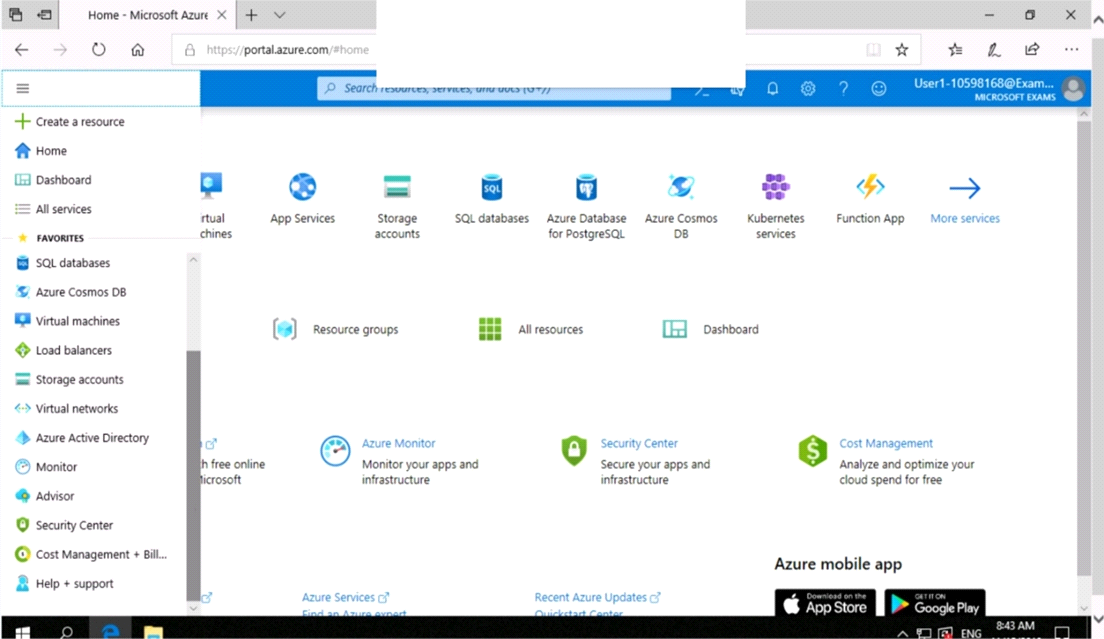
You need to collect all the audit failure data from the security log of a virtual machine named VM1 to an Azure Storage account.
To complete this task, sign in to the Azure portal.
This task might take several minutes to complete You can perform other tasks while the task completes.
OptionsMultipleChoice
SIMULATION
Use the following login credentials as needed:
To enter your username, place your cursor in the Sign in box and click on the username below.
To enter your password, place your cursor in the Enter password box and click on the password below.
Azure Username: User1-10598168@ExamUsers.com
Azure Password: Ag1Bh9!#Bd
The following information is for technical support purposes only:
Lab Instance: 10598168
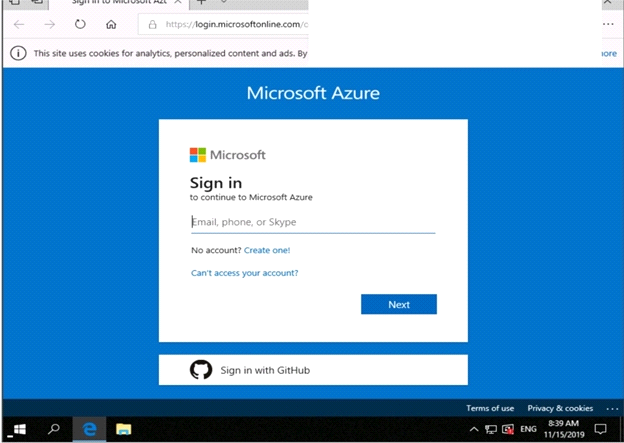
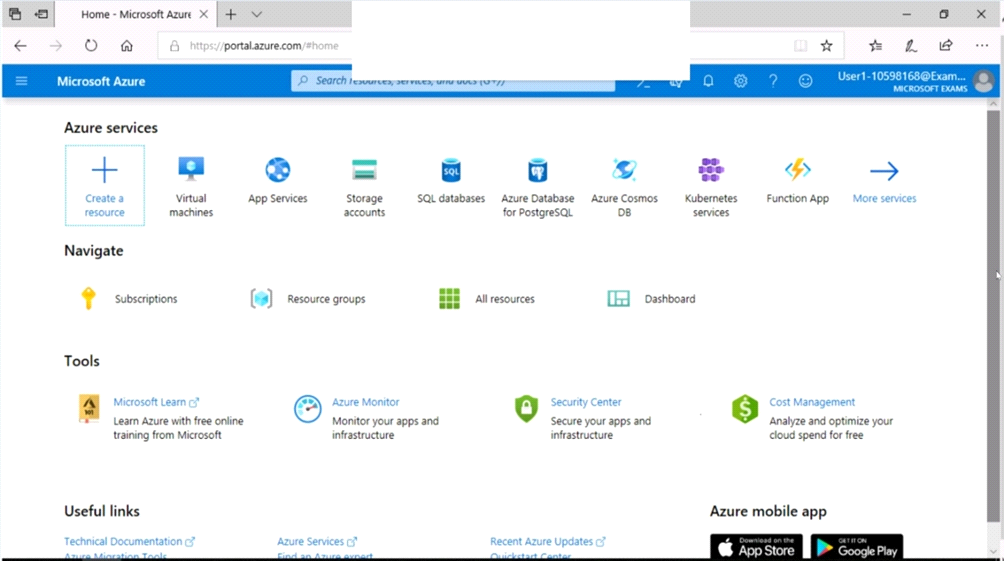
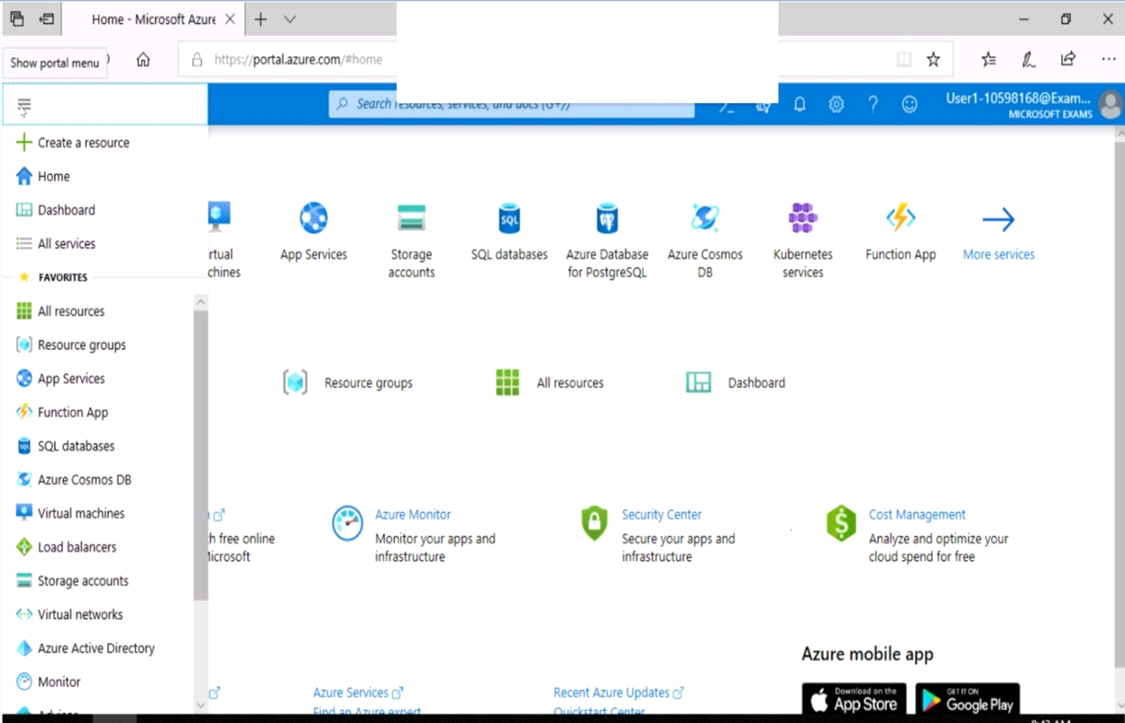
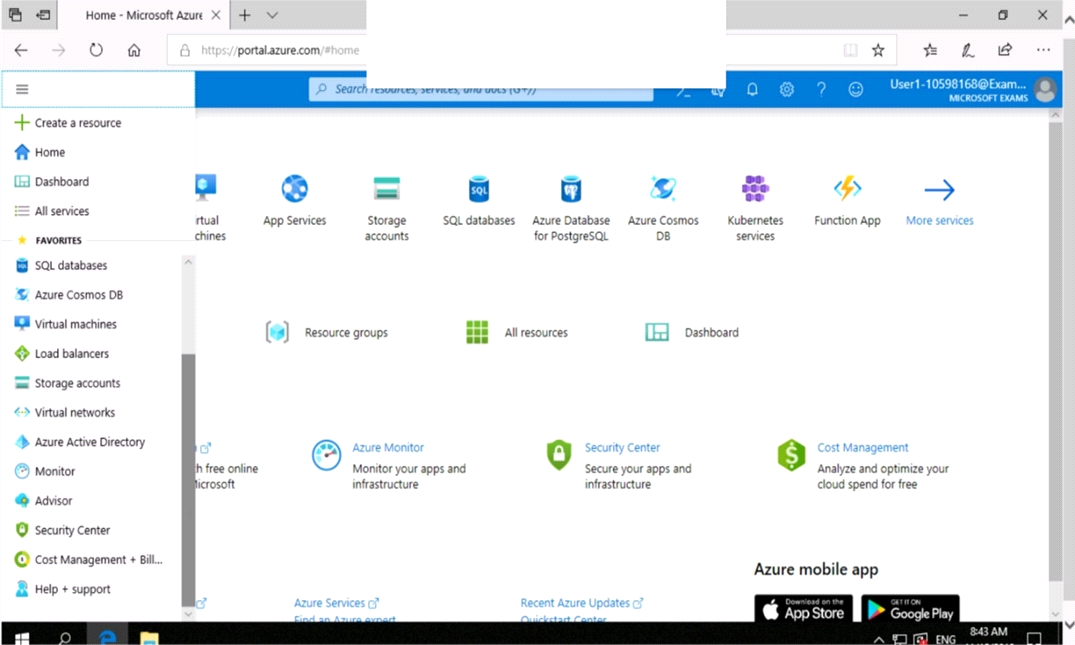
You need to prevent HTTP connections to the rg1lod10598168n1 Azure Storage account.
To complete this task, sign in to the Azure portal.
Options
