About the New SAP C_BCBDC Exam
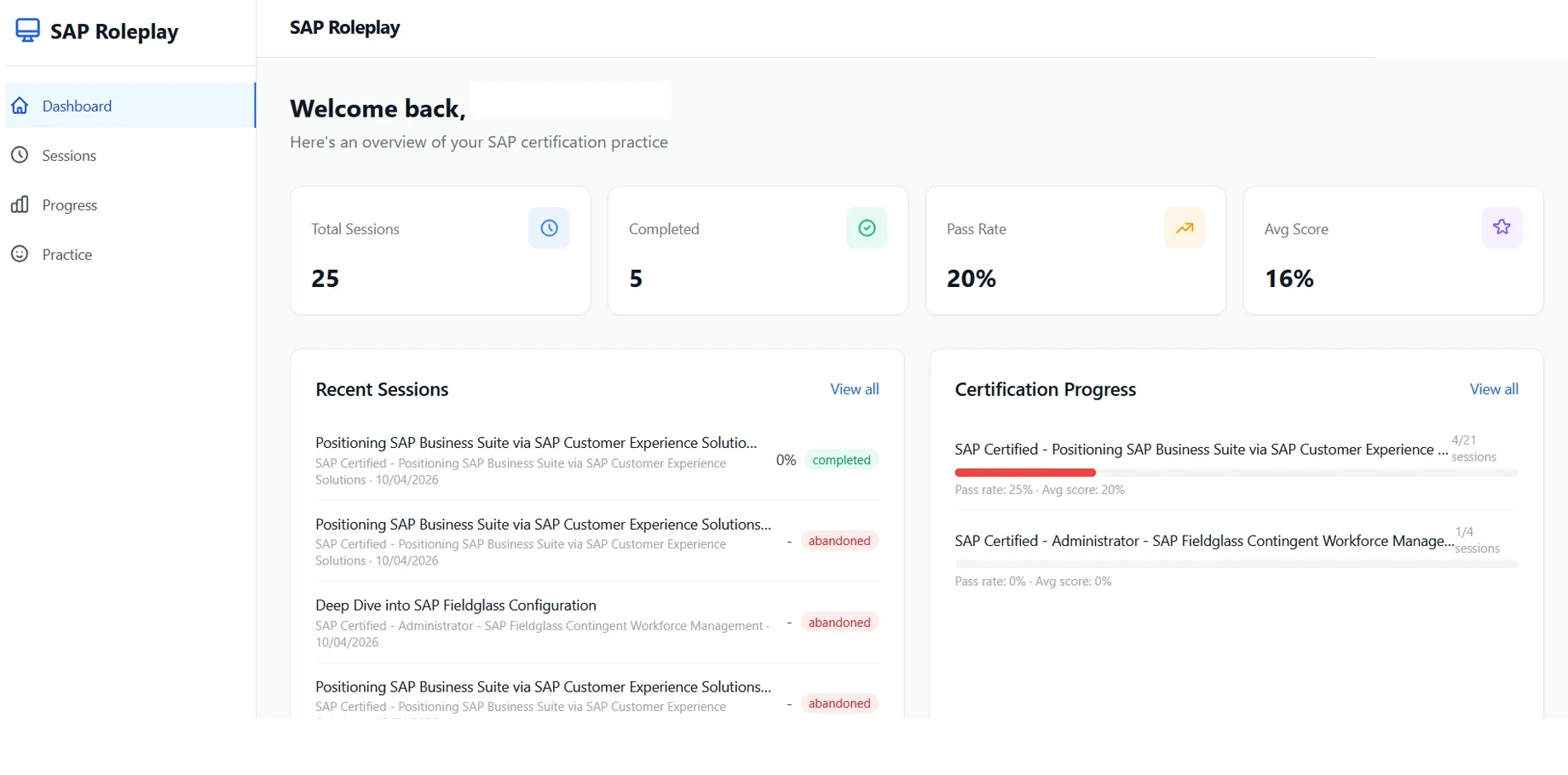
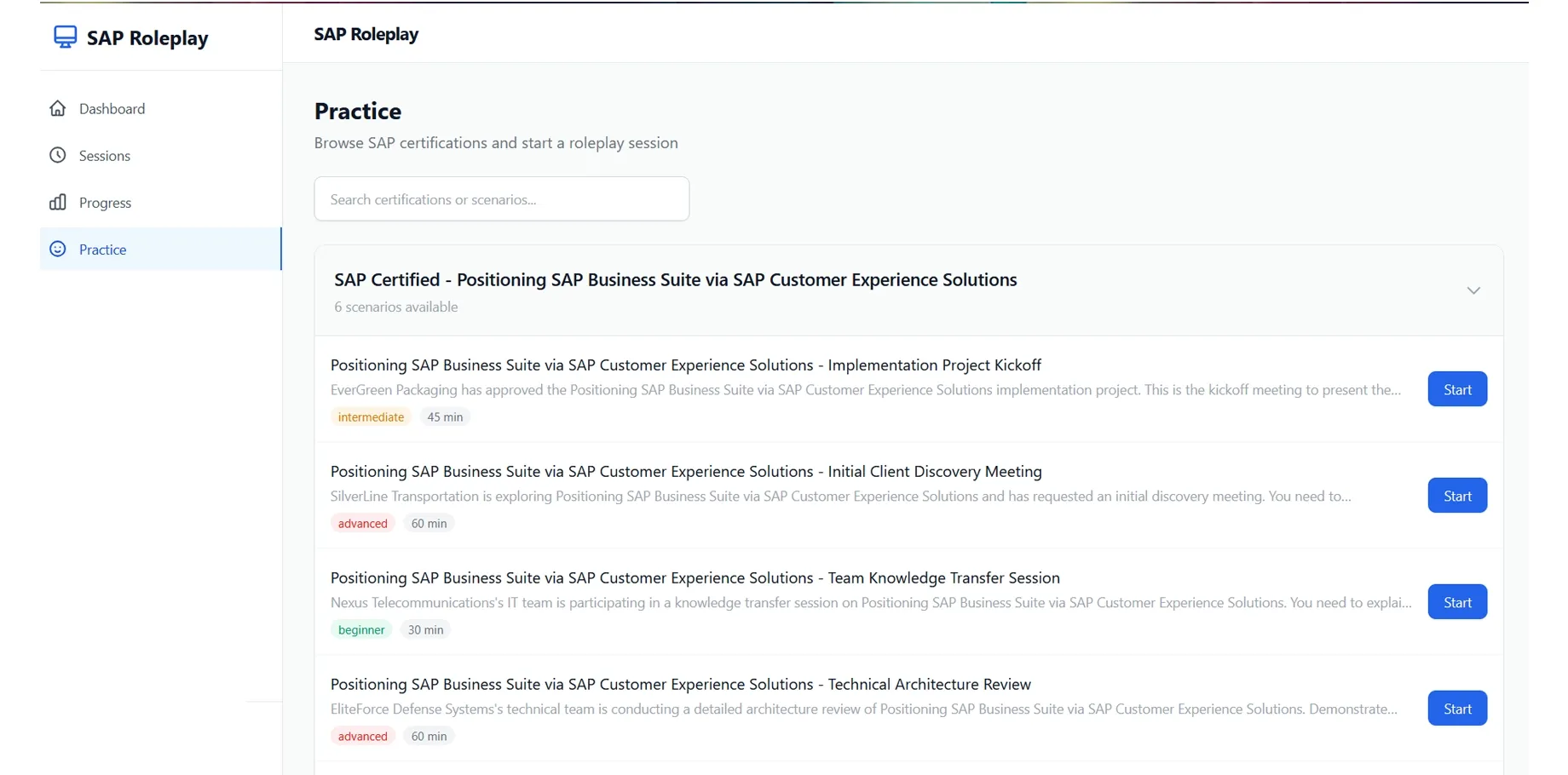
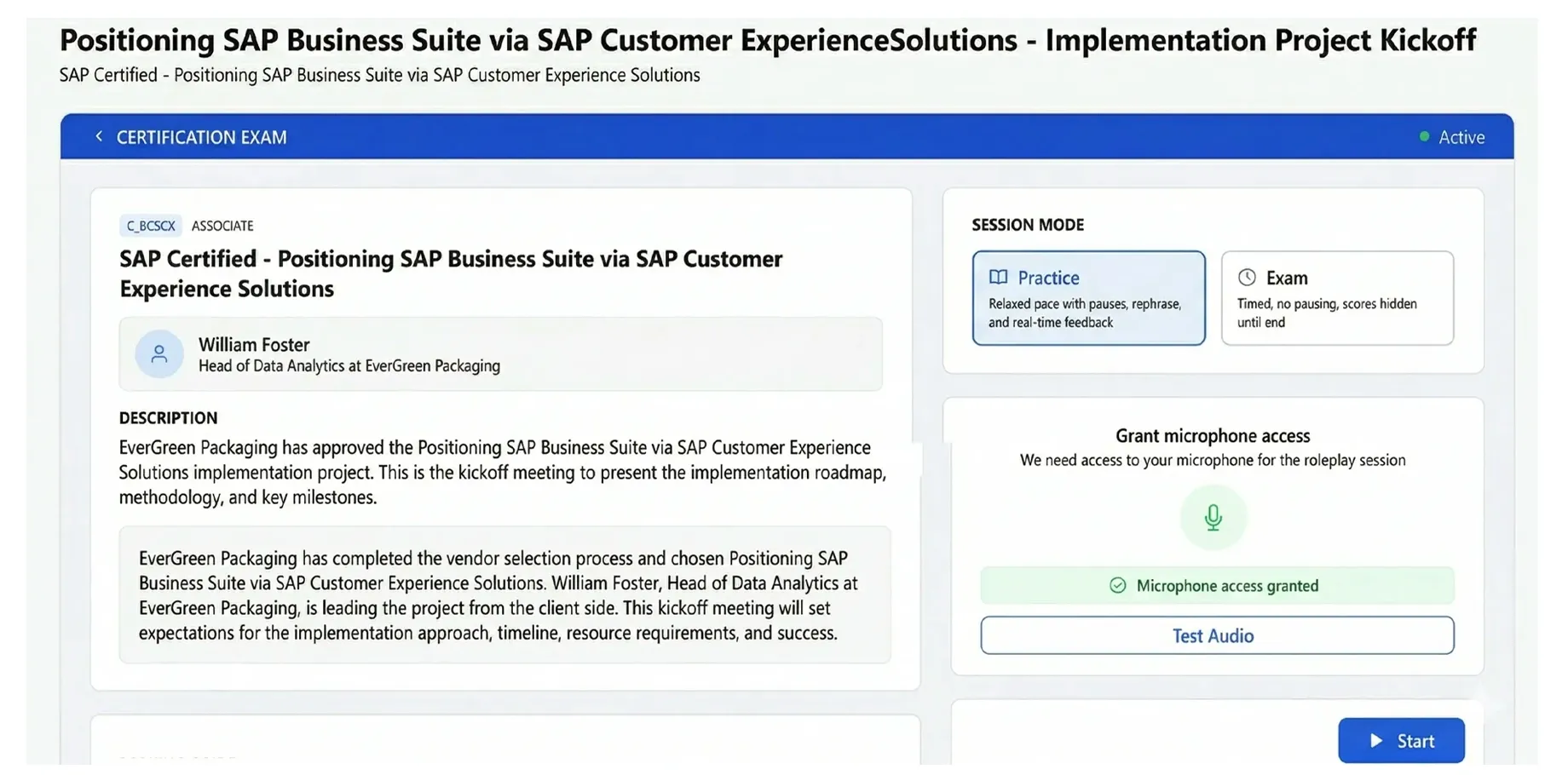
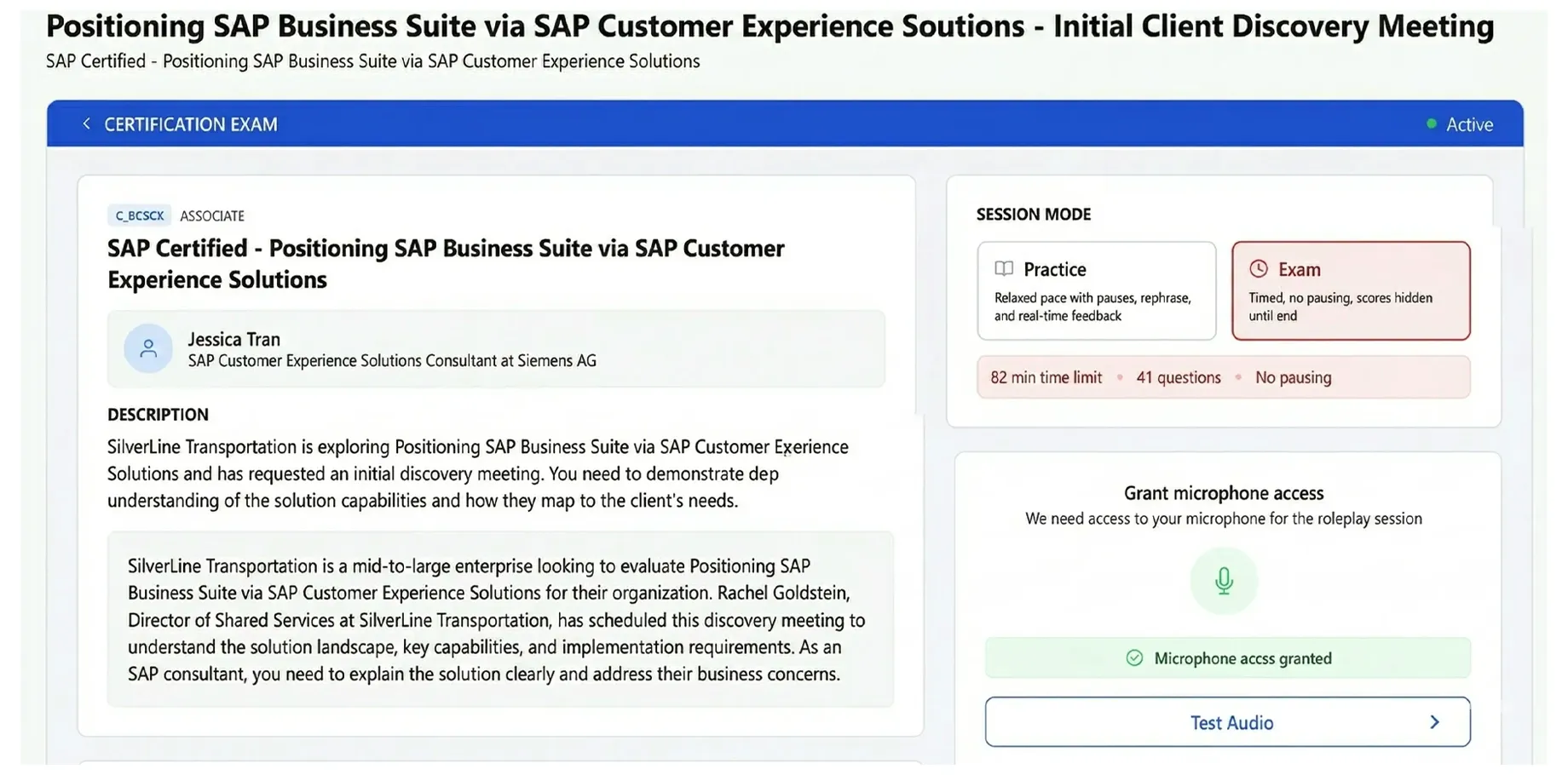
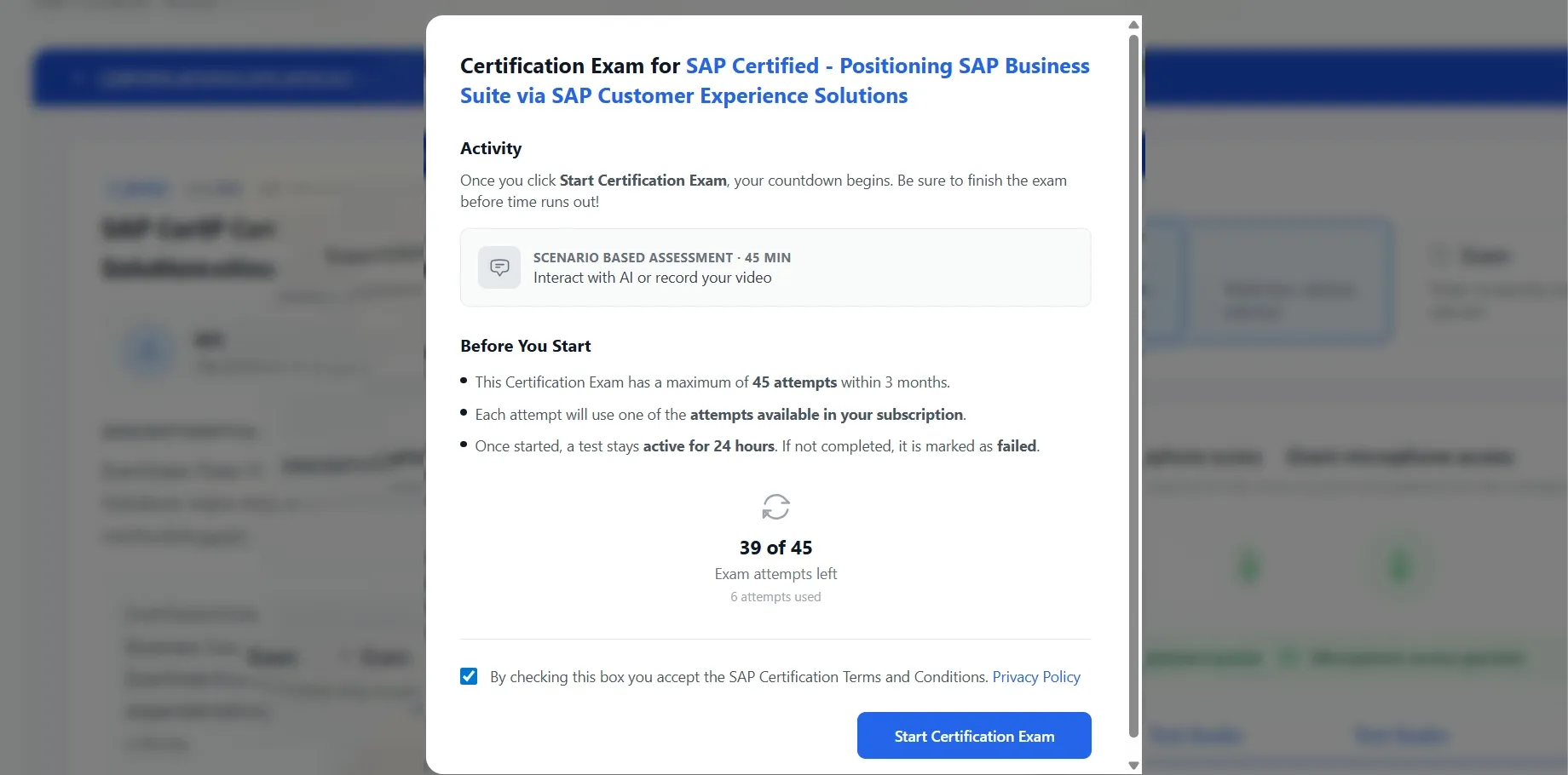
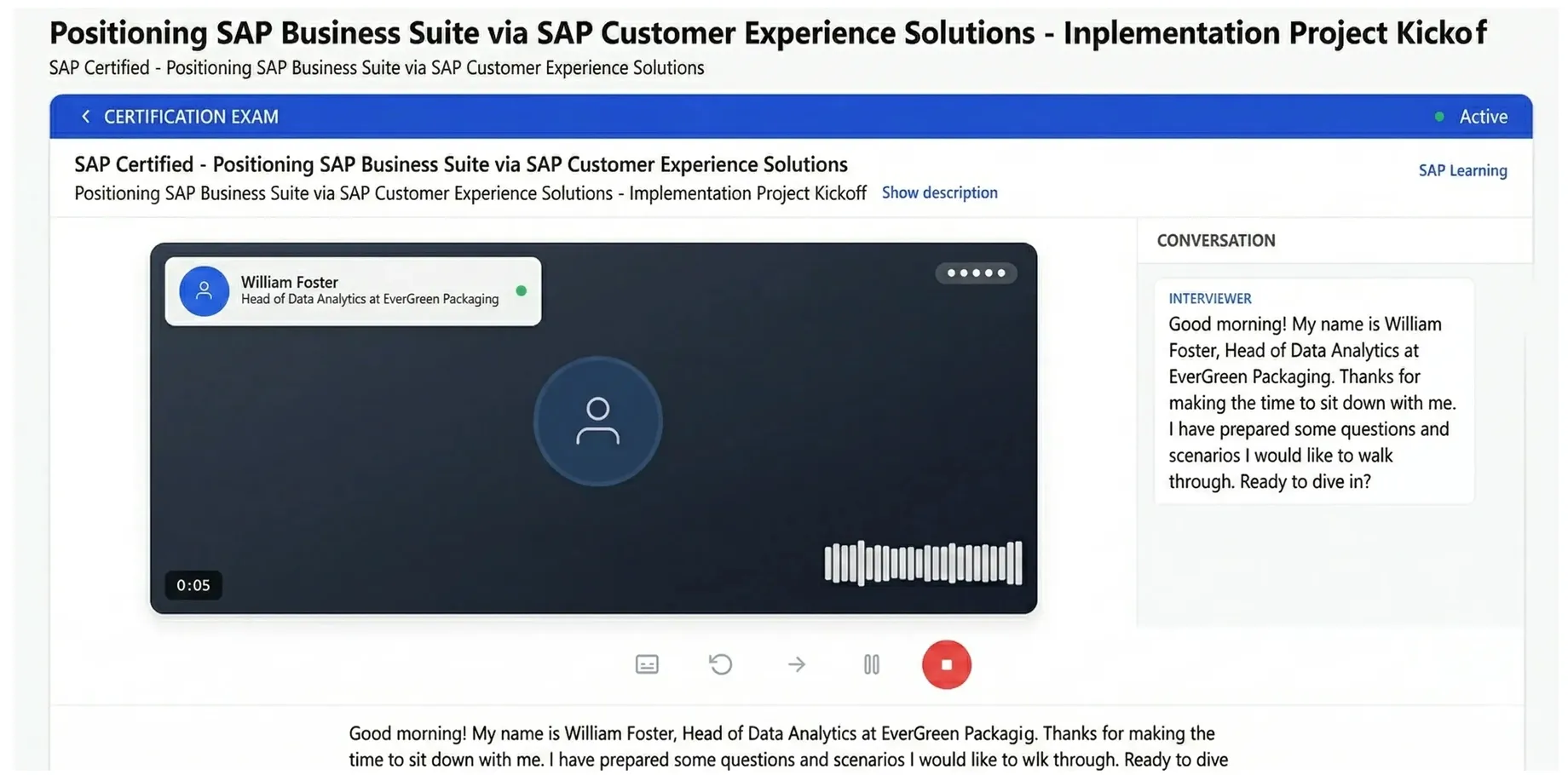
Beware that SAP has updated its C_BCBDC certification exam format in 2026, so don't fall for the outdated prep material available on various sites. The SAP C_BCBDC (SAP Certified - SAP Business Data Cloud (C_BCBDC_2511)) exam, is a professional-level credential issued by SAP to validate hands-on expertise in real-world SAP environments. Designed for mid-level professionals with practical platform experience, the new C_BCBDC exam tests your ability to apply SAP solutions to actual business scenarios rather than just theoretical knowledge. Pass4Success is the industry leader in providing preparation material for SAP's new exam format, in which candidates are evaluated through AI Role-Plays (Scenarios), see details below.
| Exam Name |
SAP Certified - SAP Business Data Cloud (C_BCBDC_2511) Exam |
| Certification name |
SAP Certified Associate |
| Exam code |
C_BCBDC |
| Certification provider |
SAP |
| Exam Format |
AI Role-Plays (Scenarios) |
| Number of AI Role-Plays (Scenarios) |
6 |
| Passing score |
60% |
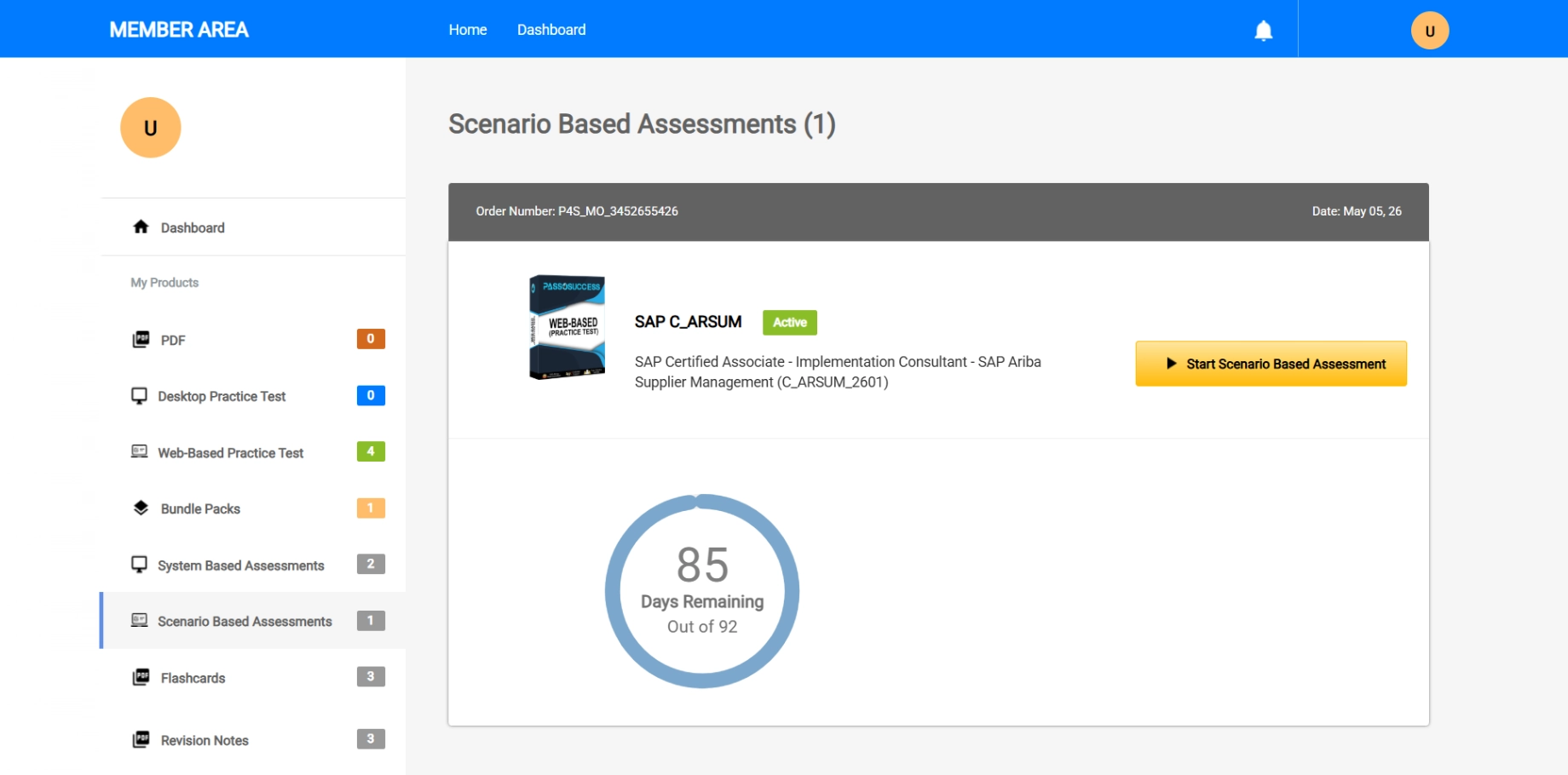
SAP C_BCBDC Exam Flash Cards, Revision Notes & Mock Tests (Optional Add-Ons)
Not every candidate prepares the same way. If you need to build broad topic coverage fast, the C_BCBDC Flash Cards use spaced repetition to lock SAP Certified - SAP Business Data Cloud (C_BCBDC_2511) concepts into long-term memory — 604+ cards, 6 topic areas, mobile-friendly. If you want to pressure-test your readiness before exam day, the C_BCBDC Mock Tests simulate the real C_BCBDC experience with timed, full-length sessions and topic-level score breakdowns. Most candidates who pass on their first attempt used at least one add-on.
Flash Cards
☰
SAP C_BCBDC Flash Cards
Add-on
Spaced-repetition flash cards covering all C_BCBDC exam topics. Active recall format helps you retain C_BCBDC concepts more effectively than re-reading notes — ideal for candidates who need to cover a lot of ground in limited time.
- Spaced-repetition algorithm
- Mobile-friendly study mode
- Mark cards for review
- Progress sync across devices
Mock Tests
⧖
SAP C_BCBDC Mock Tests
Add-on
369+ Full-length timed C_BCBDC exam simulations built to mirror the real SAP C_BCBDC AI Role-Plays (Scenarios) experience. After each test, a topic-level score breakdown shows exactly which areas still need work before your exam day.
- Real exam timing & format
- Topic-level score breakdown
- Instant results & review
- Identifies your weak areas
Revision Notes
Focused revision notes covering all C_BCBDC exams topic areas. Designed to highlight the concepts, configuration areas, and exam-critical details that matter most — so you can revise efficiently and walk into your SAP exam with confidence.
- Streamlined learning experience
- Topic-focused revision
- Helps identify knowledge gaps
- Ideal for final exam preparation
SAP C_BCBDC Candidate Reviews
I passed the SAP CBCBDC2511 exam after a final week of review focused on terminology and which component is responsible for what. What helped most was re reading the official learning materials and writing short summaries, because the exam wording is precise and small differences matter.
Security and access control questions usually present role designs and tenant scenarios and ask which assignments enforce least privilege while preserving necessary data access. Review role templates, business contexts and tenant isolation examples and walk through role assignment cases, since focusing on those examples helped me pass.
Security and authorization questions were mostly troubleshooting scenarios where an API call failed with access denied and you had to identify a missing scope or misconfigured trust relationship. I passed and suggest mastering role based access concepts, OAuth token flows, and how scopes map to API permissions.
I managed to pass CBCBDC2511 by building a small study project and mapping each exam topic to a concrete task I could perform in the platform. The hardest questions were the situational ones that asked for the best option, so I practiced choosing the most SAP aligned approach instead of the most familiar one.
Integration questions may ask you to choose the right API or data flow for scenarios like bulk CSV ingestion versus real-time OData synchronization, including error handling implications. Get hands-on with the available endpoints, payload formats and common error responses so you can distinguish appropriate approaches, actually running imports helped me pass.
Data quality items used profiling outputs and scoring tables to ask which rules to tighten or which cleansing step to apply to improve completeness and uniqueness. I passed and recommend practicing with sample profiling reports and understanding how thresholds affect duplicate detection.
I passed the SAP Certified SAP Business Data Cloud exam by focusing on end to end data flow concepts rather than memorizing features in isolation. The questions that tripped me up were the ones mixing governance and integration details, so I revisited official docs on roles, access, and data movement.
Data quality rule items often give a set of records and rule definitions and ask which records are flagged or how cleansing changes values. Practice building and testing validation and enrichment rules on sample datasets so you can predict outcomes, which made these questions straightforward when I passed.
Master data governance questions focused on choosing matching and survivorship rules in consolidation scenarios where incorrect settings cause unwanted merges. I passed and thanks Pass4Success for providing good collection of exam questions for preparation in short time.
I managed to pass CBCBDC2511 after doing timed sets and reviewing every wrong answer until I could explain why the distractors were wrong. The exam felt tight on time for me, so practicing quick elimination was what made the difference.
Data matching and merge questions typically show candidate match rules and ask which will produce the correct golden record under fuzzy matching conditions. Understand matching thresholds, survivorship rules and merge previews, a colleague passed the exam and thanked Pass4Success for their collection of exam questions that helped prepare quickly.
Integration and connector questions often present a middleware flow diagram and ask you to pick the correct adapter, transformation step, and error handling pattern for a given source and target. I passed and found it helpful to study SAP Cloud Integration mappings, payload formats, and retry strategies.
I passed the SAP CBCBDC2511 exam by spending most of my time on hands on navigation in Business Data Cloud, since the scenario questions hinge on where to configure things and what each service actually does. The trickiest part was distinguishing similar sounding capabilities, so I kept a one page cheat sheet of definitions and limits.
Master data modeling questions often present a business scenario and ask which entity relationship or hierarchy best fits the use case, with tricky distractors about composite versus derived attributes. Study how the Business Data Cloud models parent-child relationships, cardinality and attribute propagation, I passed recently after reviewing several model diagrams.
Data modeling was tougher than I expected, the exam had scenario questions asking which entity relationships and cardinality best represent a parent child hierarchy. I passed and thanks Pass4Success for providing good collection of exam questions for preparation in short time.

 MENU
MENU
Currently there are no comments in this discussion, be the first to comment!
Have a question or insight about the C_BCBDC exam? Share it with the community.