
Free Preparation Discussions
 MENU
MENU
SAP C_THR82_2505 Exam - Topic 8 Question 16 Discussion
Topic #: 8
In the video below, you are making changes to the rater list and two messages are displayed when these changes are saved.
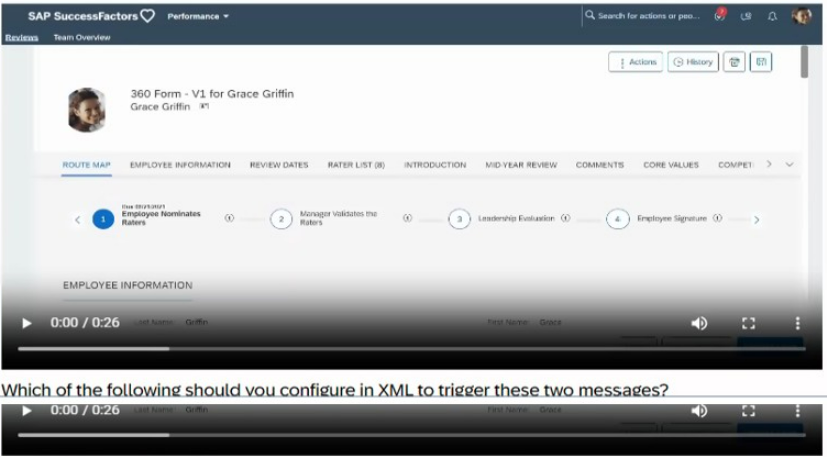
Which of the following should you configure in XML to trigger these two messages?
Note: There are 3 correct answers to this question.
Comprehensive and Detailed Explanation From Exact Extract:
To trigger messages when changes to the rater list in a 360 Review form do not meet configured requirements, the following XML elements are used:
<min-rater-count>: Sets the minimum number of raters required (e.g., 8).
<min-error-msg>: Defines the error message for when the total rater count is insufficient.
<rater-cat-min-err-msg>: Specifies the error message for when a specific category's rater count is insufficient.
Extract from SAP SuccessFactors Documentation:
SAP SuccessFactors 360 Reviews Configuration Guide (Q3 2025):
'To enforce minimum rater requirements in 360 Reviews, configure <min-rater-count> to set the minimum number of raters, <min-error-msg> to display an error for insufficient total raters, and <rater-cat-min-err-msg> for category-specific rater shortages.'
Explanation of Options:
A . Correct: <min-rater-count>8</min-rater-count> sets the minimum rater requirement.
B . Correct: <min-error-msg> triggers the total rater count error message.
C . Correct: <rater-cat-min-err-msg> triggers category-specific rater count errors.
D . Incorrect: <min-warning-msg> is not a standard element for 360 Reviews; errors are typically used.
E . Incorrect: <min-rater-complete-count> is not a valid element in this context.
SAP SuccessFactors 360 Reviews Configuration Guide, Section: 'Rater List Configuration,' Subsection: 'Error Messages' (Q3 2025).
Currently there are no comments in this discussion, be the first to comment!