Free Preparation Discussions
 MENU
MENU
Free CompTIA 220-1001 Exam Dumps October 2026
Here you can find all the free questions related with CompTIA A+ Core 1 (220-1001) exam. You can also find on this page links to recently updated premium files with which you can practice for actual CompTIA A+ Core 1 Exam. These premium versions are provided as 220-1001 exam practice tests, both as desktop software and browser based application, you can use whatever suits your style. Feel free to try the CompTIA A+ Core 1 Exam premium files for free, Good luck with your CompTIA A+ Core 1 Exam.MultipleChoice
A laser printer feeds multiple pages through at the same time Some of the pages have poor image .............. Which of the following should a technician order to fix the issues with the printer?
OptionsMultipleChoice
A developer wants to be able to run a virtual machine on a desktop for application testing.....................
OptionsMultipleChoice
SIMULATION
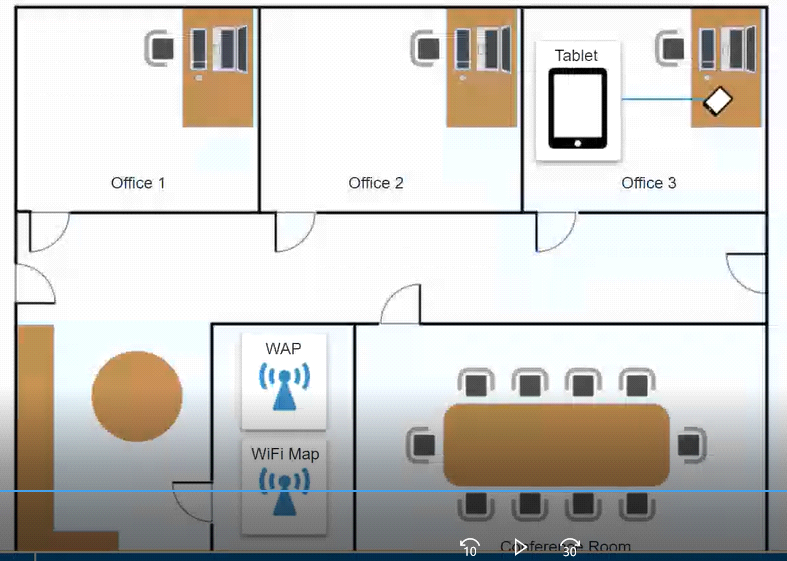
Megan, the CEO, is unable to connect to the company's network on her company-issued enterprise tablet when in the office, however, it works perfectly from home. All the corporate laptops in the company are connected to the wireless network without issue. She has asked you for assistance in getting the device online.
MultipleChoice
SIMULATION
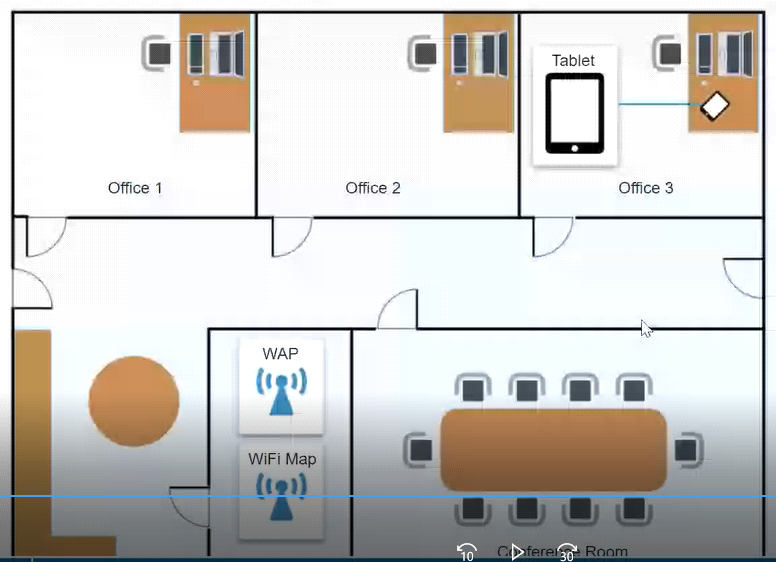
Ann, a CEO, has purchased a new consumer-class tablet for personal use, but she is unable to connect it to the company's wireless network. All the corporate laptops are connecting without issue. She has asked you to assist with getting the device online.
MultipleChoice
A laptop is overheating. A technician checks that the laptop is clean and free from dust buildup. Which of the following should the technician check NEXT?
OptionsMultipleChoice
SIMULATION
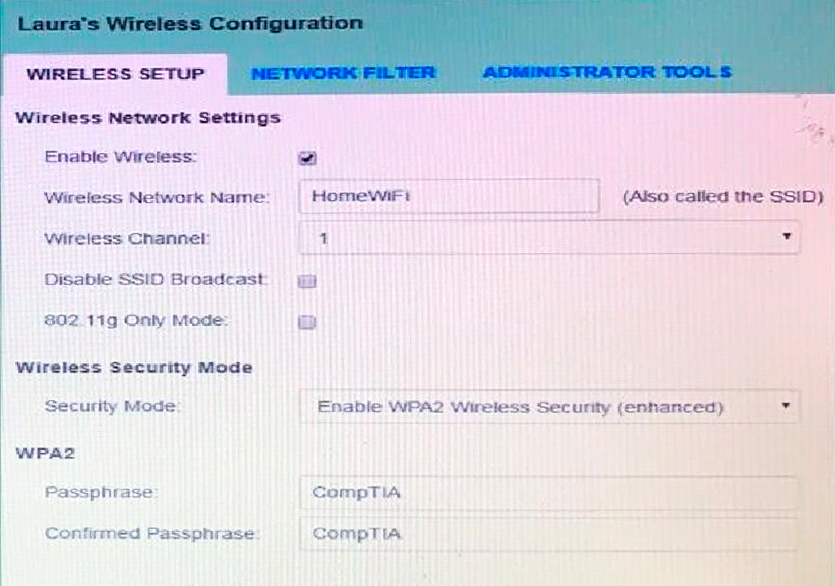
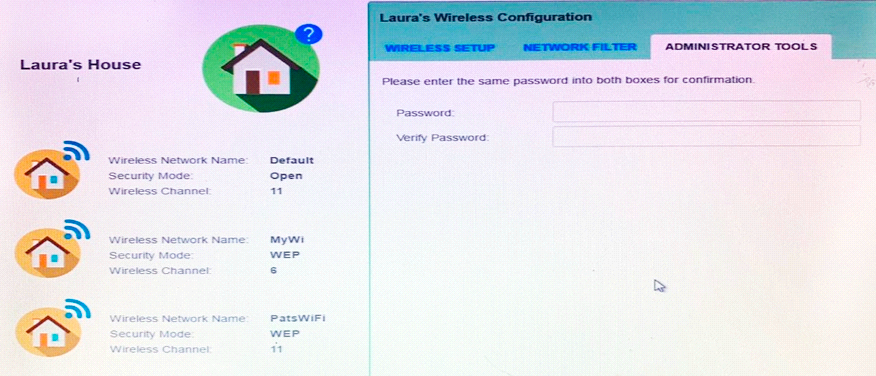
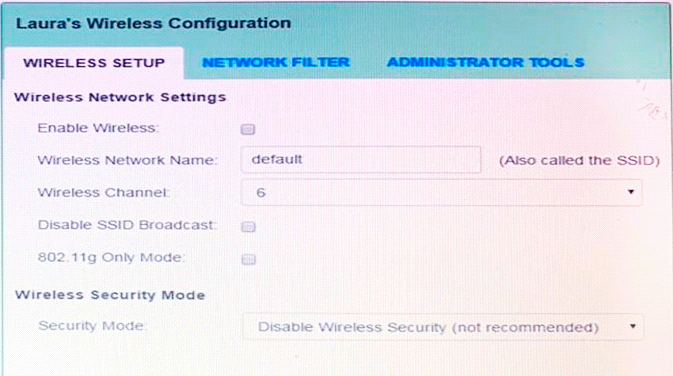
Laura, a customer, has instructed you to configure her home office wireless access point.
She plans to use the wireless network for finances and has requested that the network be setup with the highest encryption possible.
Additionally, Laura knows that her neighbors have wireless networks and wants to ensure that her network is not being interfered with by the other networks.
She requests that the default settings be changed to the following.
Wireless Name: HomeWiFi
Shared Key: CompTIA
Router Password: Secure$1
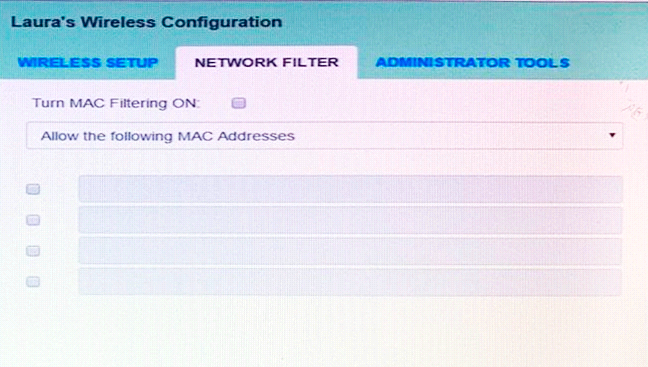
Finally, Laura wants to ensure that only her laptop and Smartphone can connect to the network.
Laptop: IP Address 192.168.1.100
Hardware Address: 00:0A:BF:03:C4:54
Smartphone: IP Address 192.168.1.101
Hardware Address: 09:2C:D0:22:3F:11
INSTRUCTIONS
Configure Laura's wireless network using the network adapter window.
If at any time you would like to bring back the initial state of the situation, please click the Reset All button.
MultipleChoice
SIMULATION
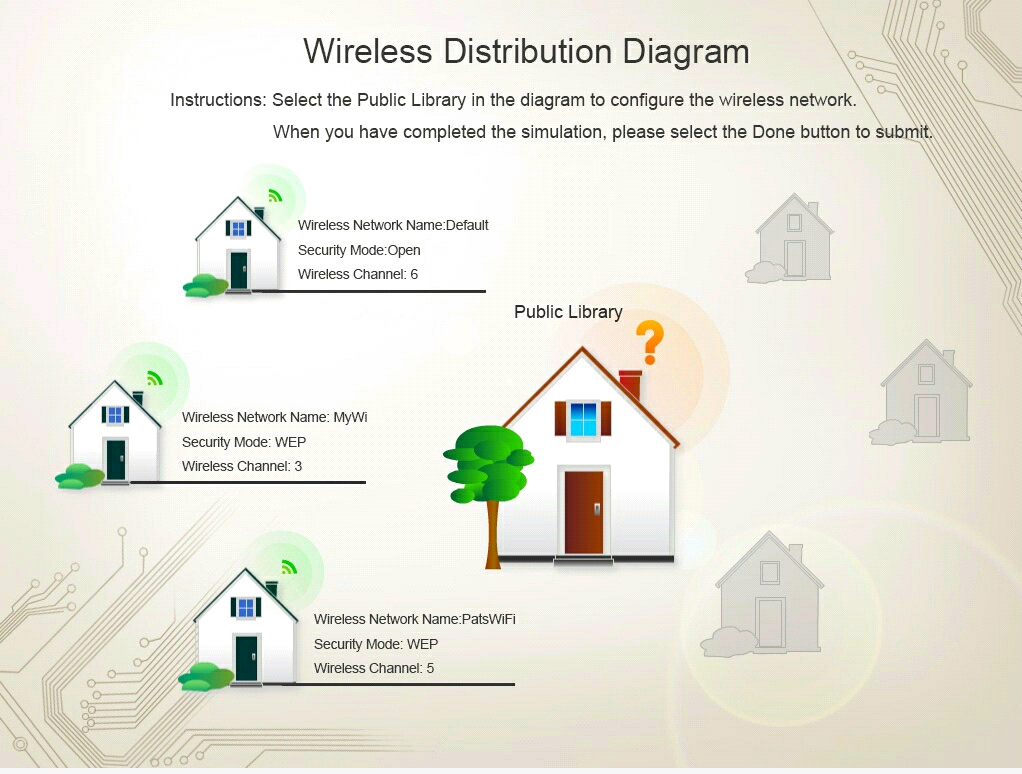
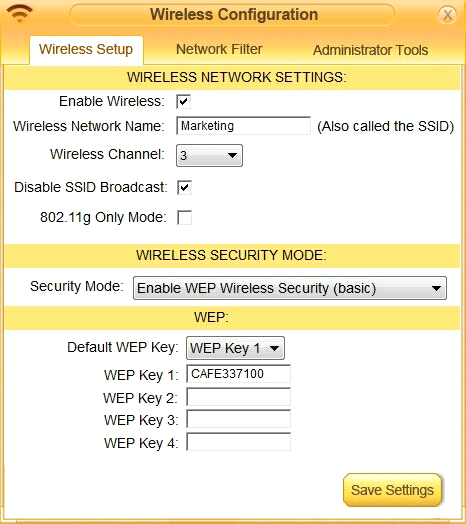
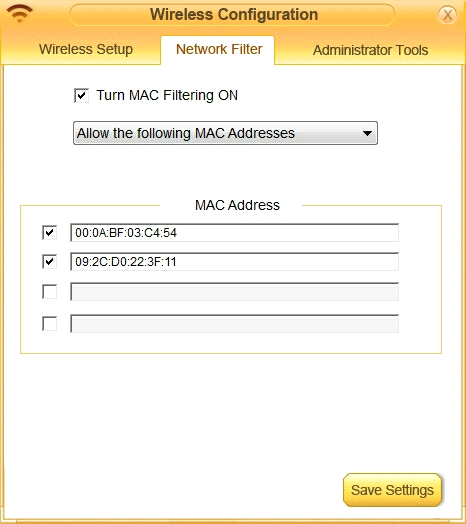
Ann, a local librarian, has had a previously used wireless access point donated to her. She has instructed you to configure this new wireless access point for her public library. Ann plans to allow anyone to connect to the access point without having to ask her for configuration information. Additionally, Ann knows that her neighbors have wireless network and wants to ensure that her network has the least likelihood of interfering with the other networks. Ann has provided you with the following information.
Wireless Name: Library
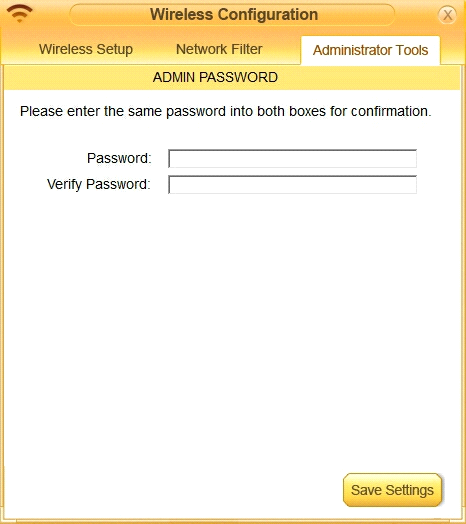
New Router Password: Secure$1
INSTRUCTIONS
Instructions: Select the Public Library in the diagram to configure the wireless network. Once the wireless network tabs are configured, select the save button. When you have completed the simulation, please, select the Done button to submit.
MultipleChoice
SIMULATION
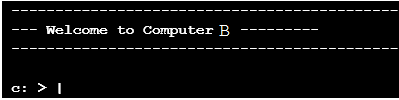
The network administrator has changed the IP address of ComputerA from 192.168.1.20 to 10.10.10.20 and now Jane, a user, is unable to connect to file shares on ComputerA from ComputerB using the computer name.
INSTRUCTIONS
Using the available tools, resolve the connectivity issues.
After troubleshooting the issue, verify a successful connection.
If at any time you would like to bring back the initial state of the simulation? please click the Reset All button.
MultipleChoice
SIMULATION
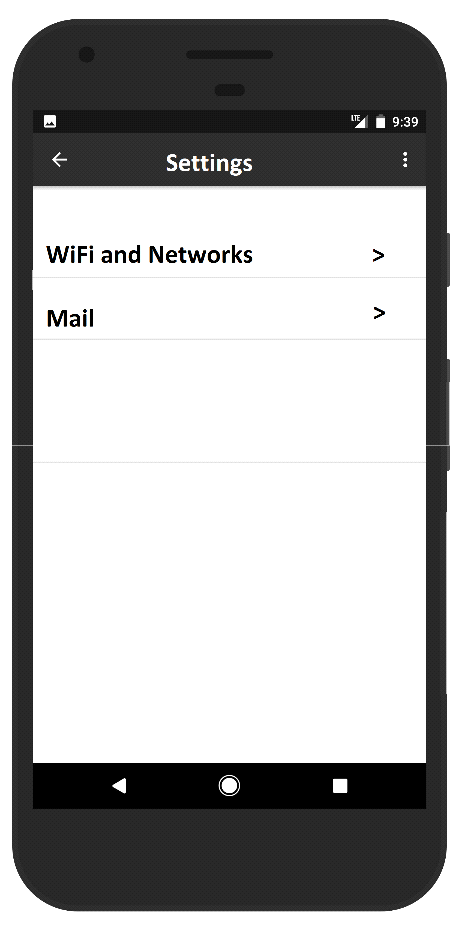
You need to configure your mobile device to send and receive electronic messages from your company.
You must use the company's WLAN as all e-mail services are on default non-secure ports.
The company's WLAN is broadcasting across the company for easier access. Both incoming and outgoing servers require login credentials.
Use the following parameters:
* Email address tech@techies com
* Password P@SSwOrd
* Pop techies com Port 110 Security. None
* IMAP techies com Port 993 Security SSL
* smtp.techies.com Port 465 Security: TLS
* Company SSID Techies
* Security WPA2
* Passphrase P@SSwOrd
* SSID is not broadcasted
INSTRUCTIONS:
Update the mobile device's parameters to fit the criteria.
If at any time you would like to bring back the initial state of the simulation, please click the Reset All button.